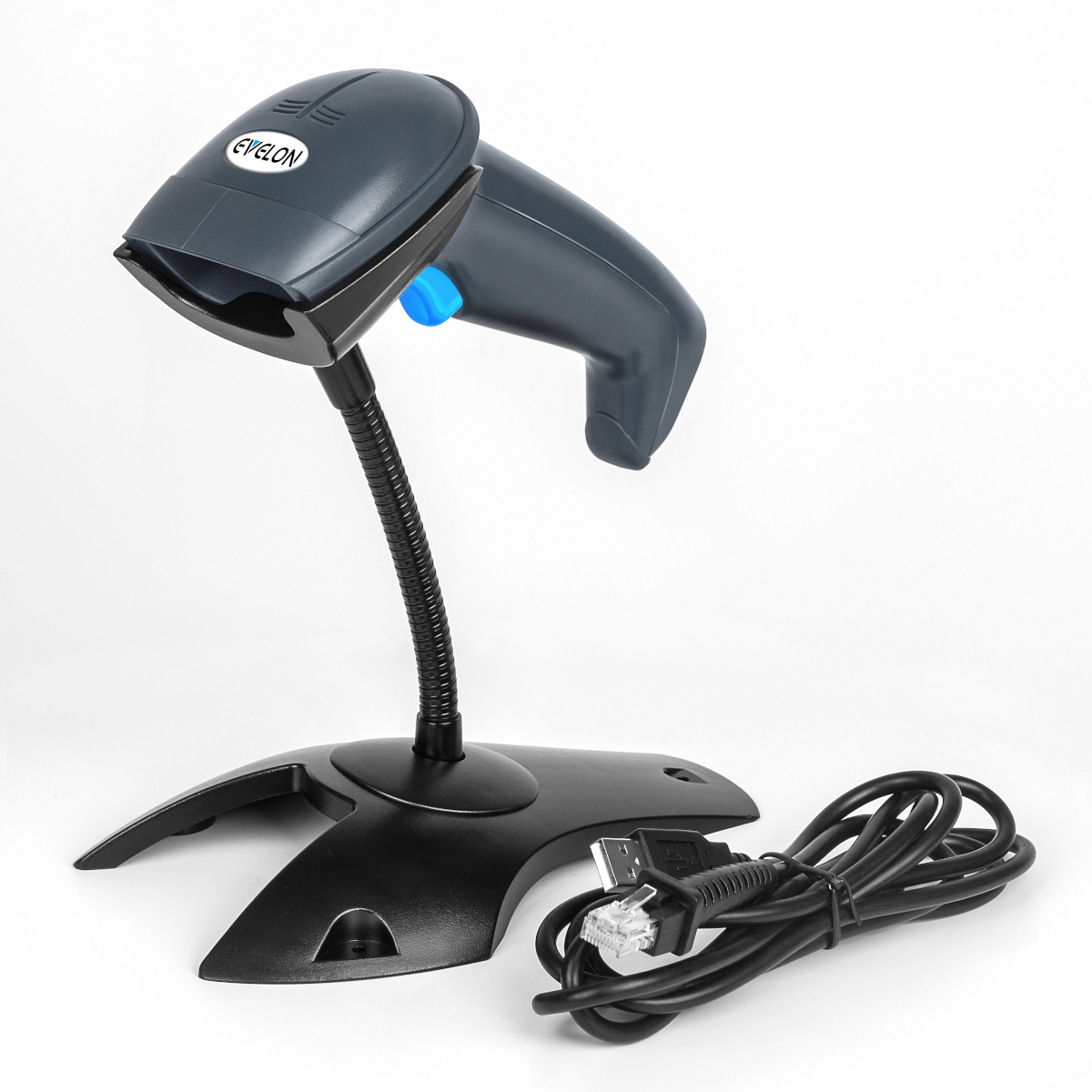
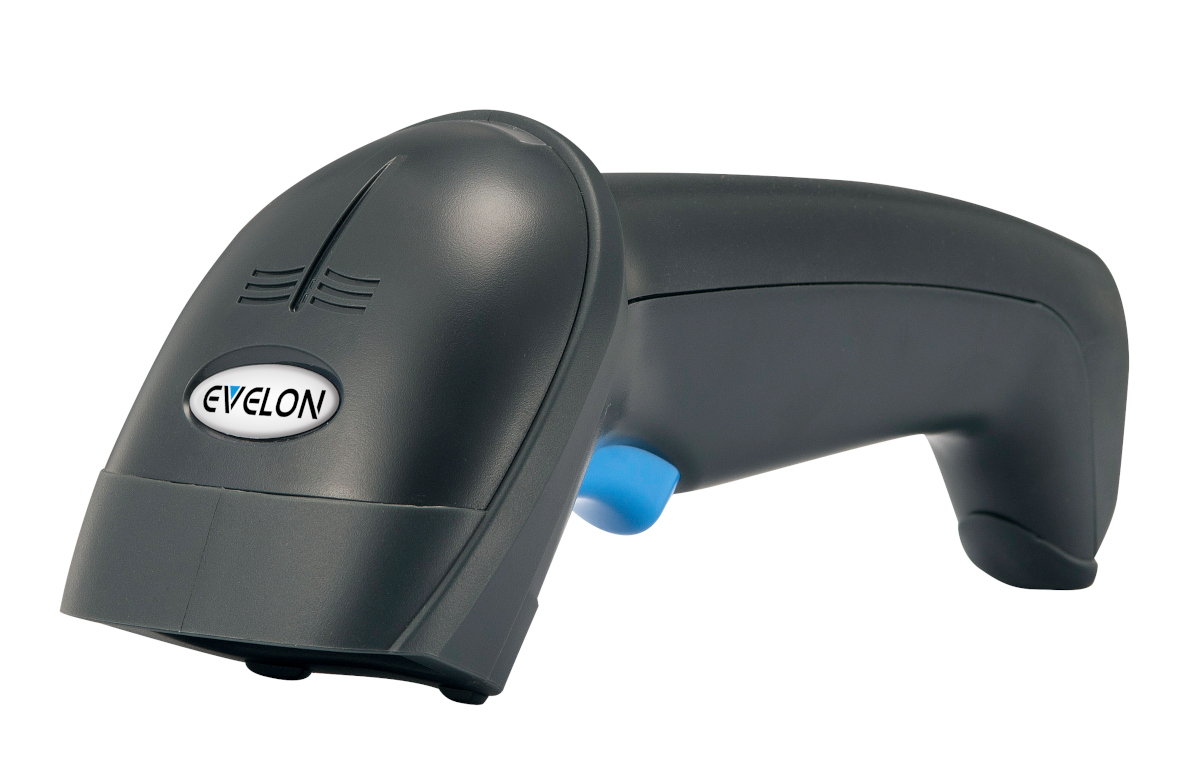
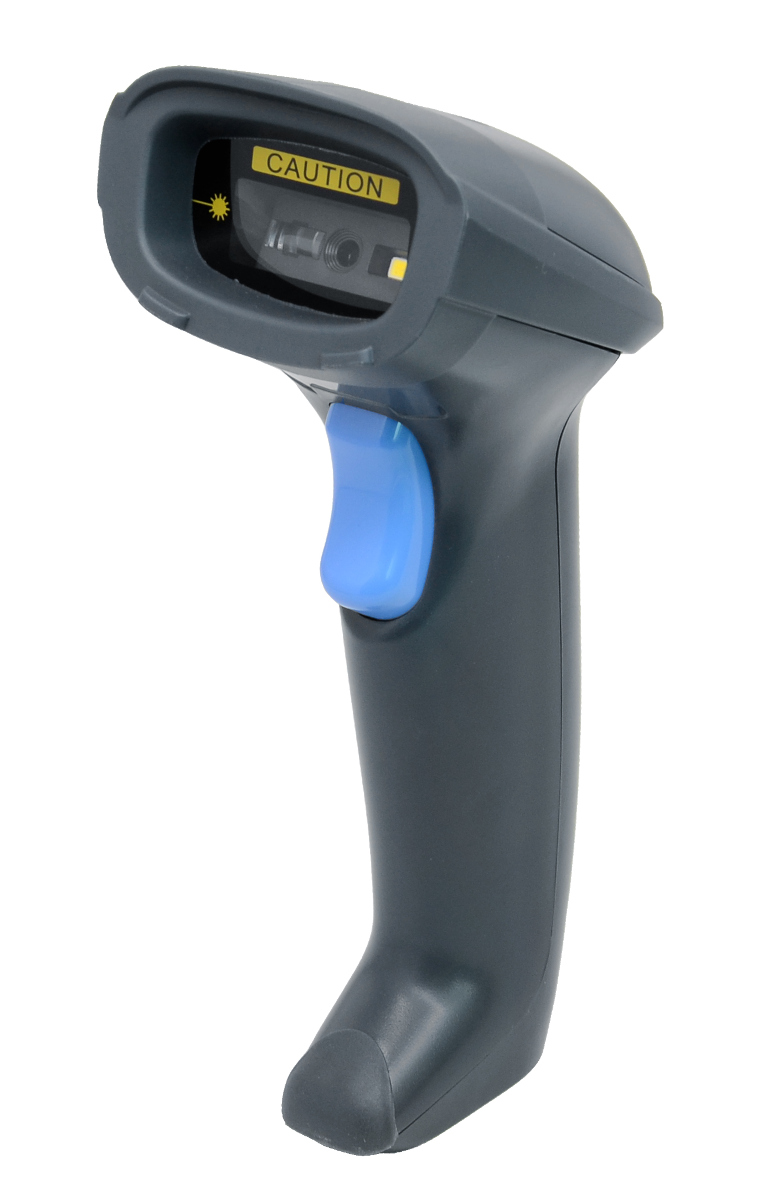
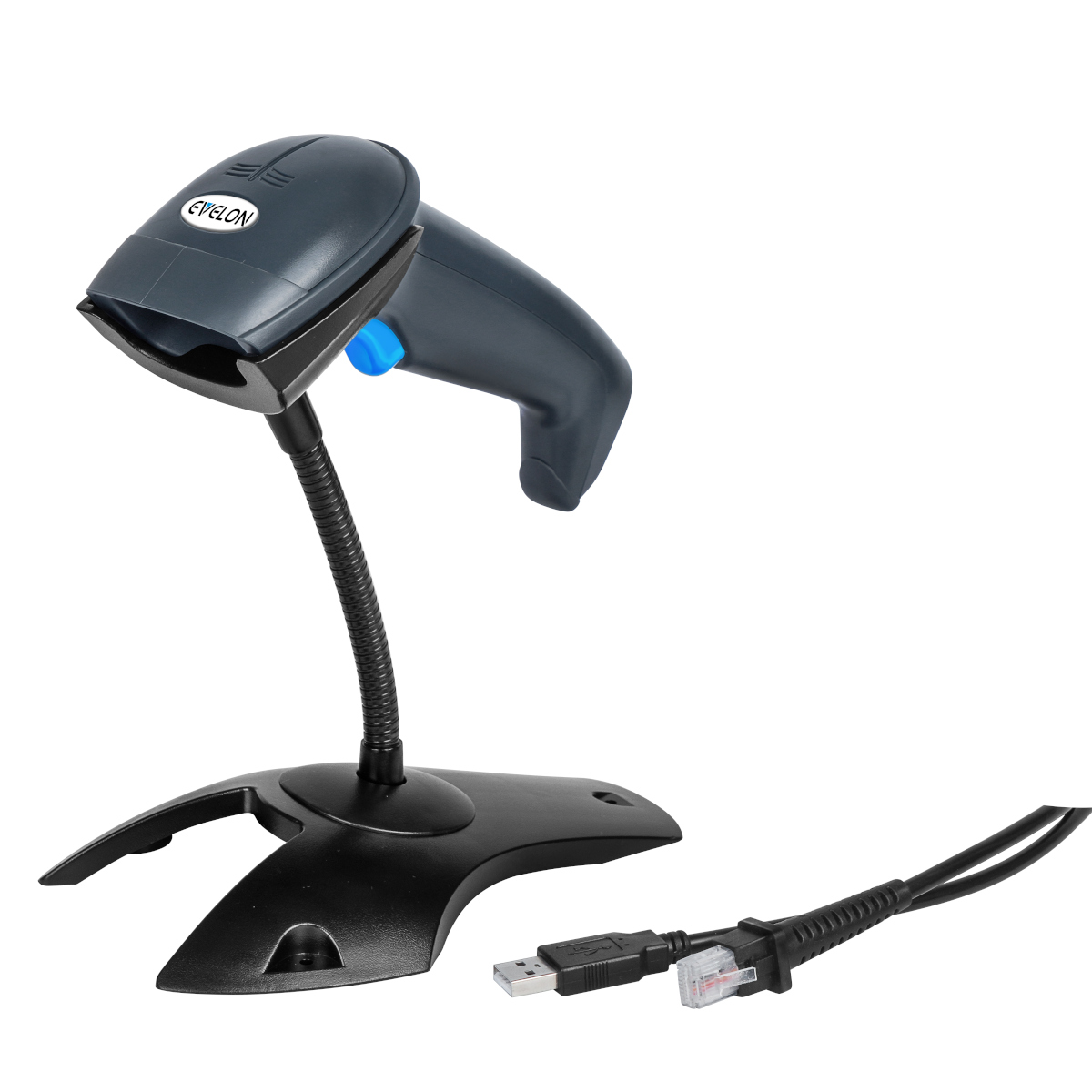
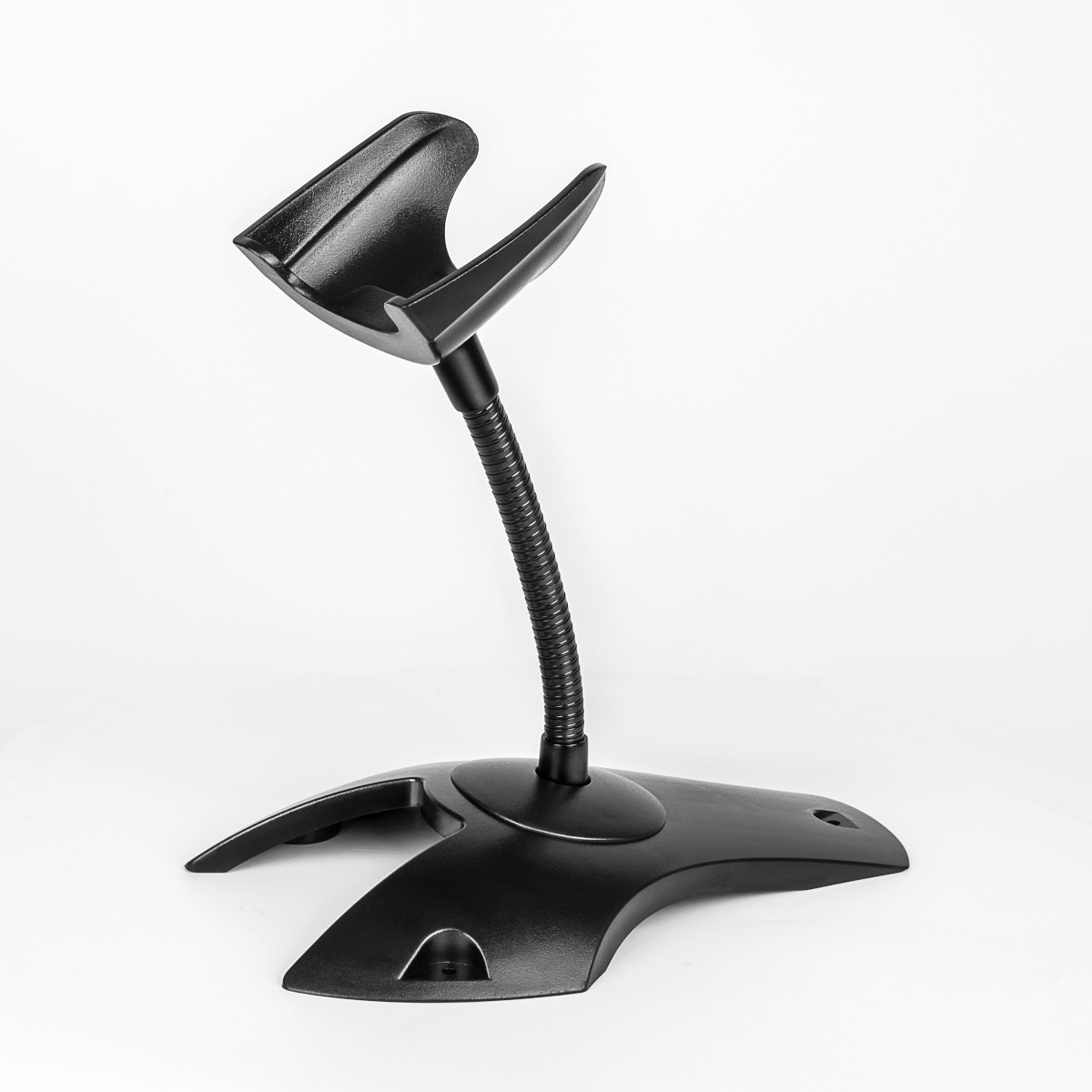
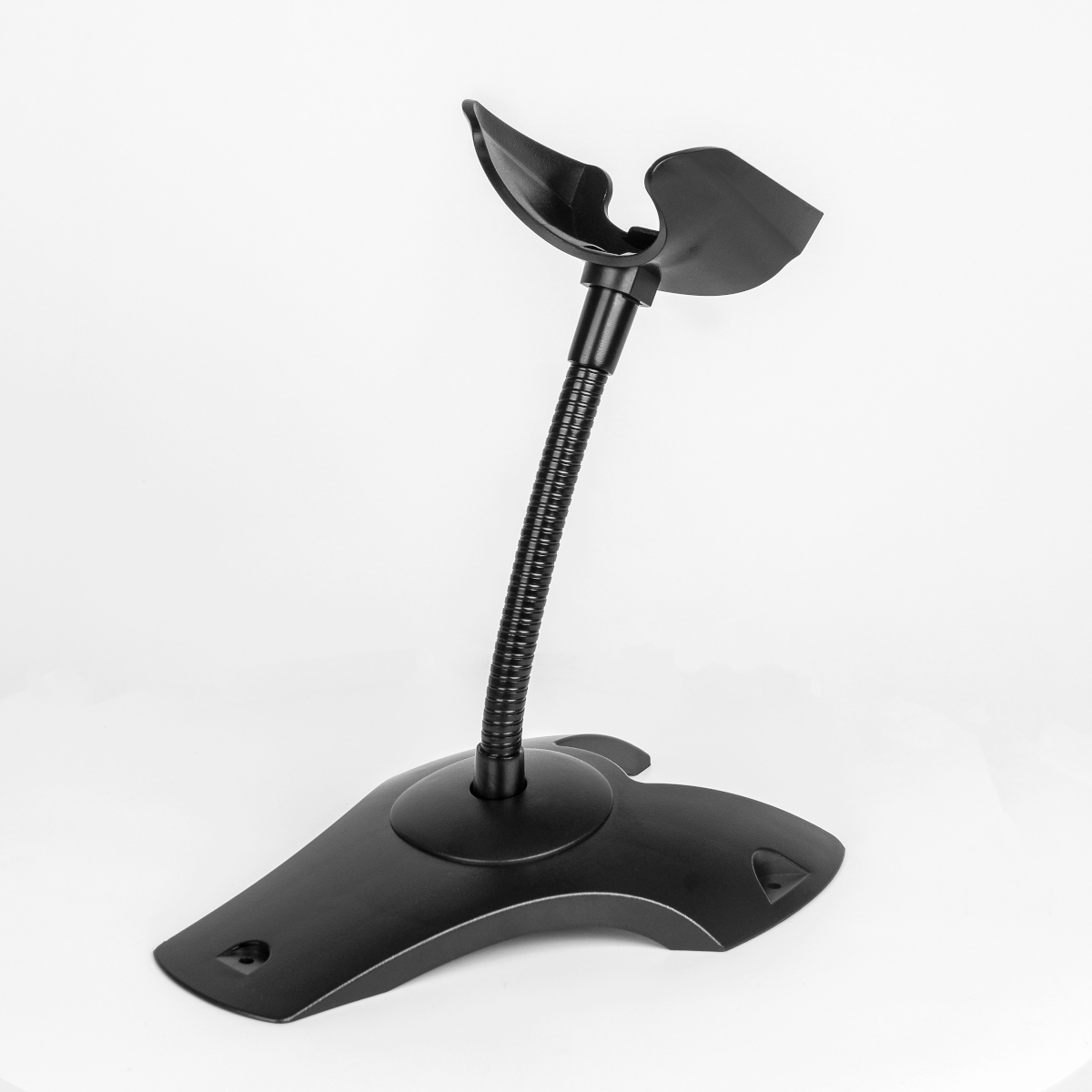
Swift S400 Scanner

Fast and accurate scanner for high-volume scanning

Specifications

Scan Type
CMOS Image
Resolution
640x480
Precision
≥5mil
Contrast
≥10%
Scan Angle
Yaw ±55°, Pitch ±55°, Rotation 360°
Depth of Field
35–280 mm (EAN13)
Scan Modes
Manual, Continuous, Automatic Induction
Interfaces
USB-HID, USB-COM, RS232
Symbologies
1D & 2D including QR, PDF417, Dotcode, Hanxin
Operating Temp.
-20 to 60°C
Storage Temp.
-40 to 70°C
Humidity
5%–95%
Shock Resistance
3 m drop
Dimensions
83×70×172 mm
Weight
112g
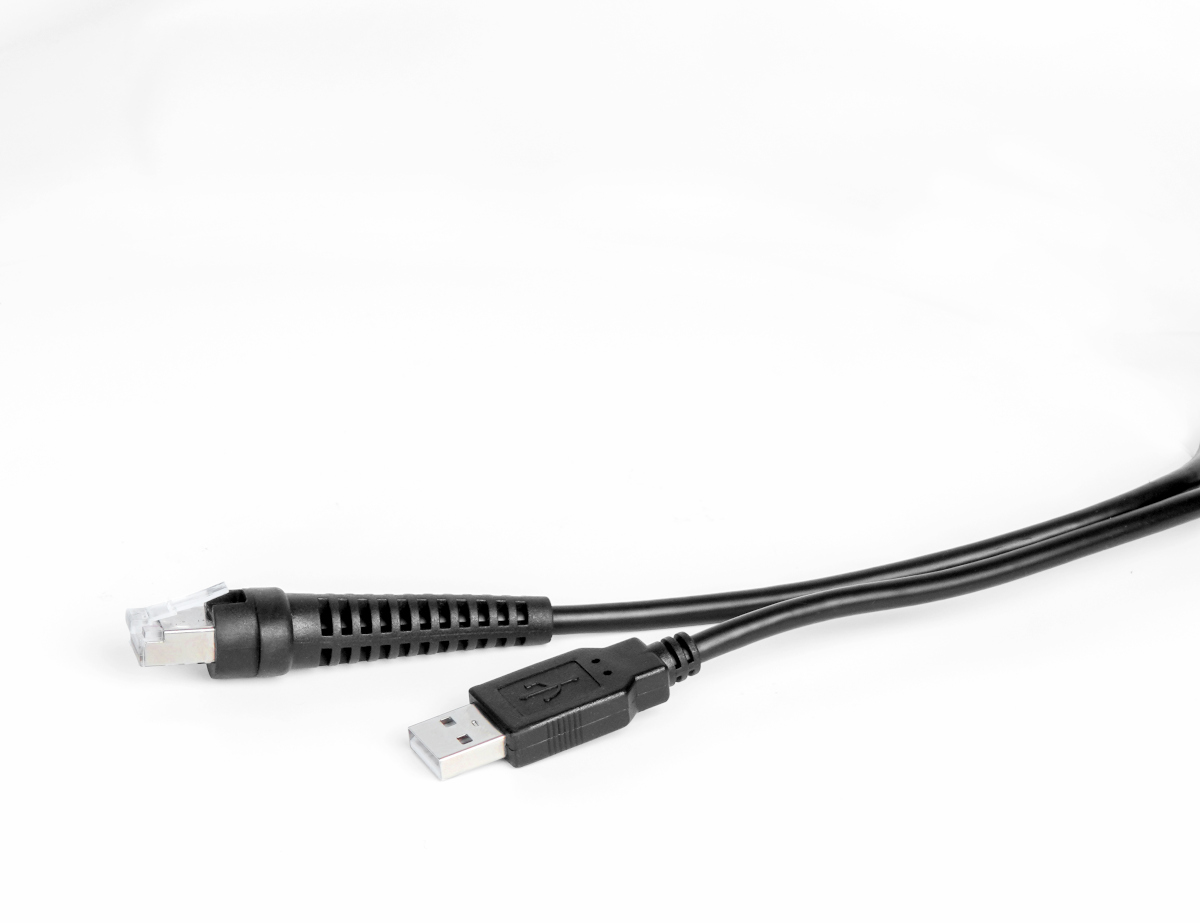
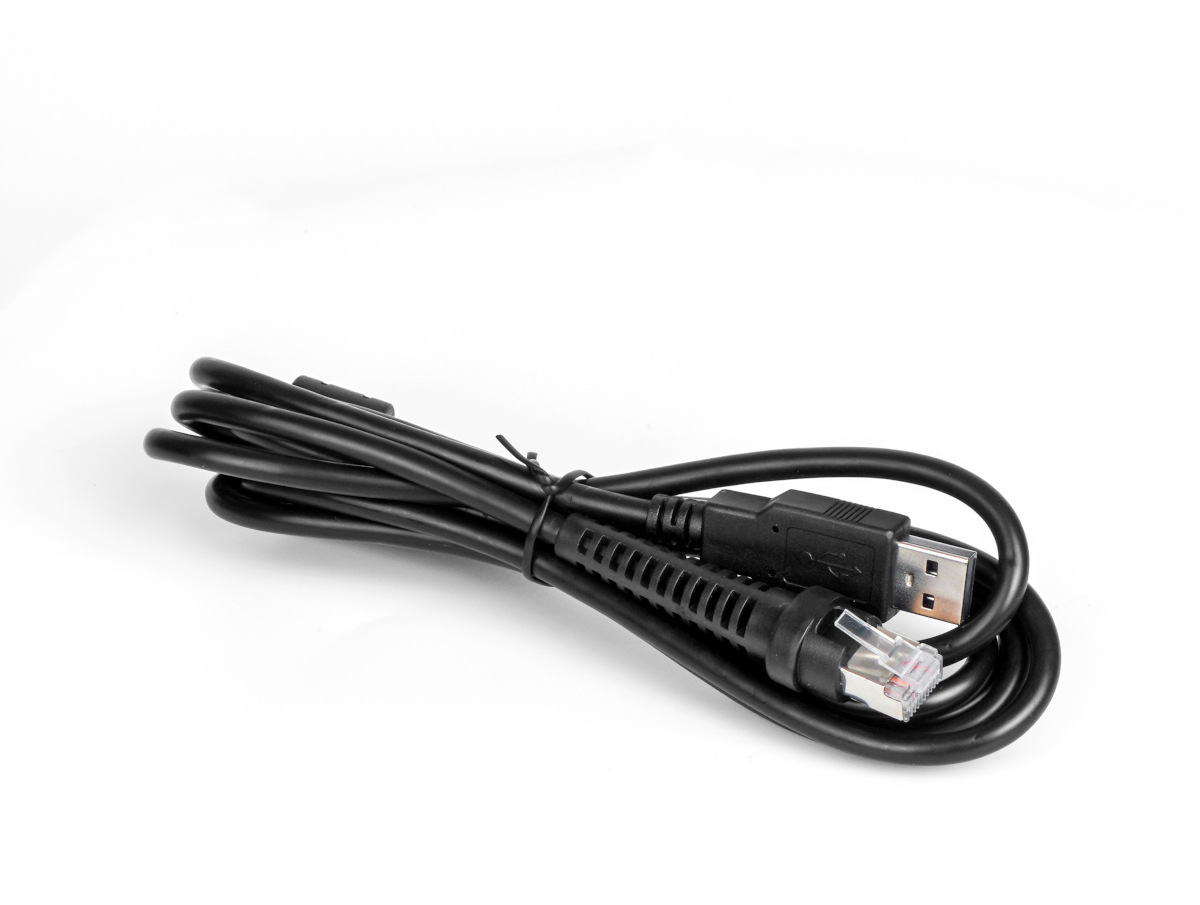
Cable Length
1.8M
Power
DC5V±5%, 120mA

Key Features

  • Higher decoding accuracy
  • Plug and play
  • Stronger wire durability
  • Supports payment barcodes

Setup Instructions

  1. Choose your preferred connection method (USB, RS232, or Ethernet)
  2. Connect the scanner to your device using the appropriate cable
  3. Power on your computer or POS system
  4. The scanner will be automatically detected (USB/Ethernet)
  5. Install drivers if prompted by your system
  6. Configure interface settings if using RS232
  7. Open your scanning application
  8. Test scanning with various barcode types

Applications

High-Volume Retail

Perfect for busy retail environments requiring fast and accurate scanning performance.

Manufacturing

Track products and components throughout the manufacturing process with 2D capabilities.

Logistics & Shipping

Handle complex shipping labels and tracking codes with multi-interface connectivity.

Healthcare

Reliable patient identification and medication tracking with enterprise-grade performance.