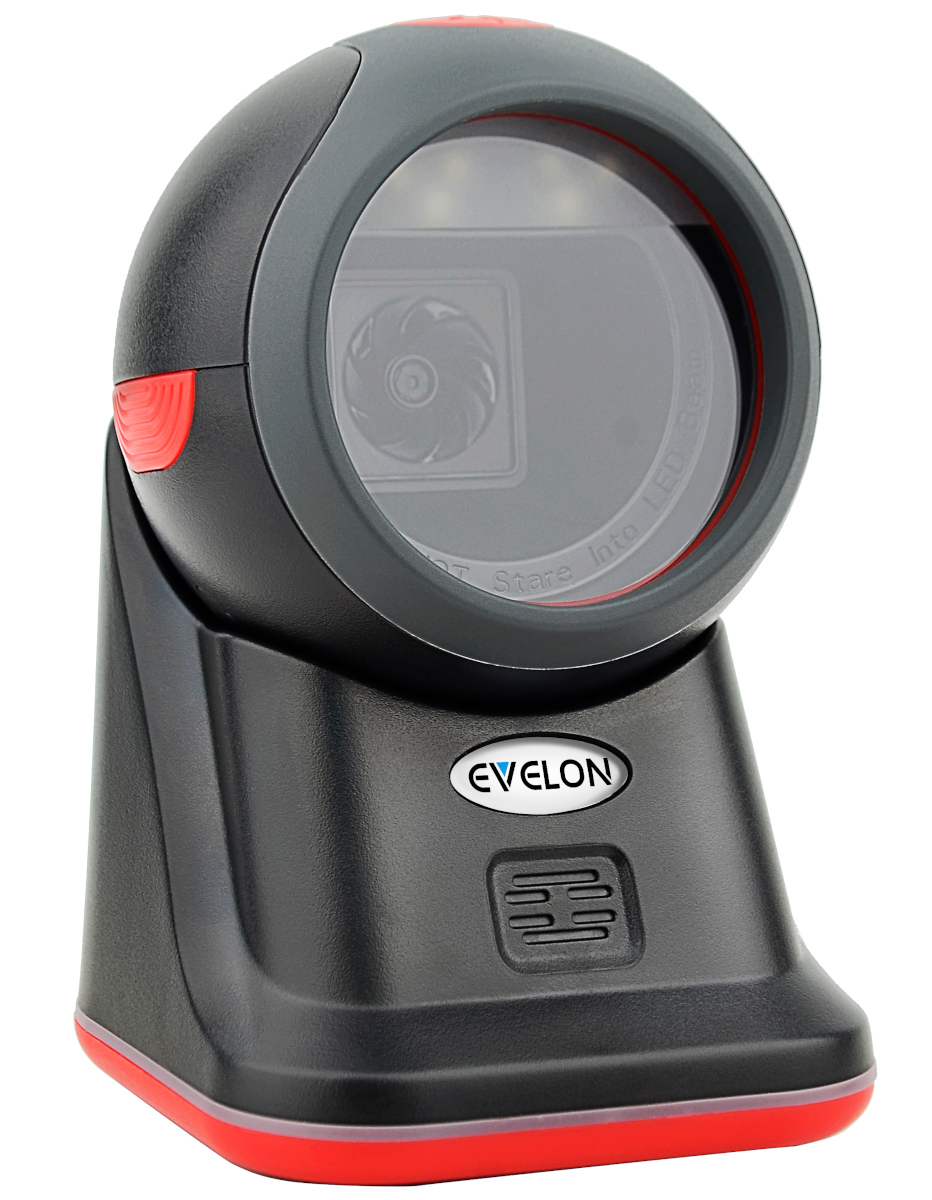
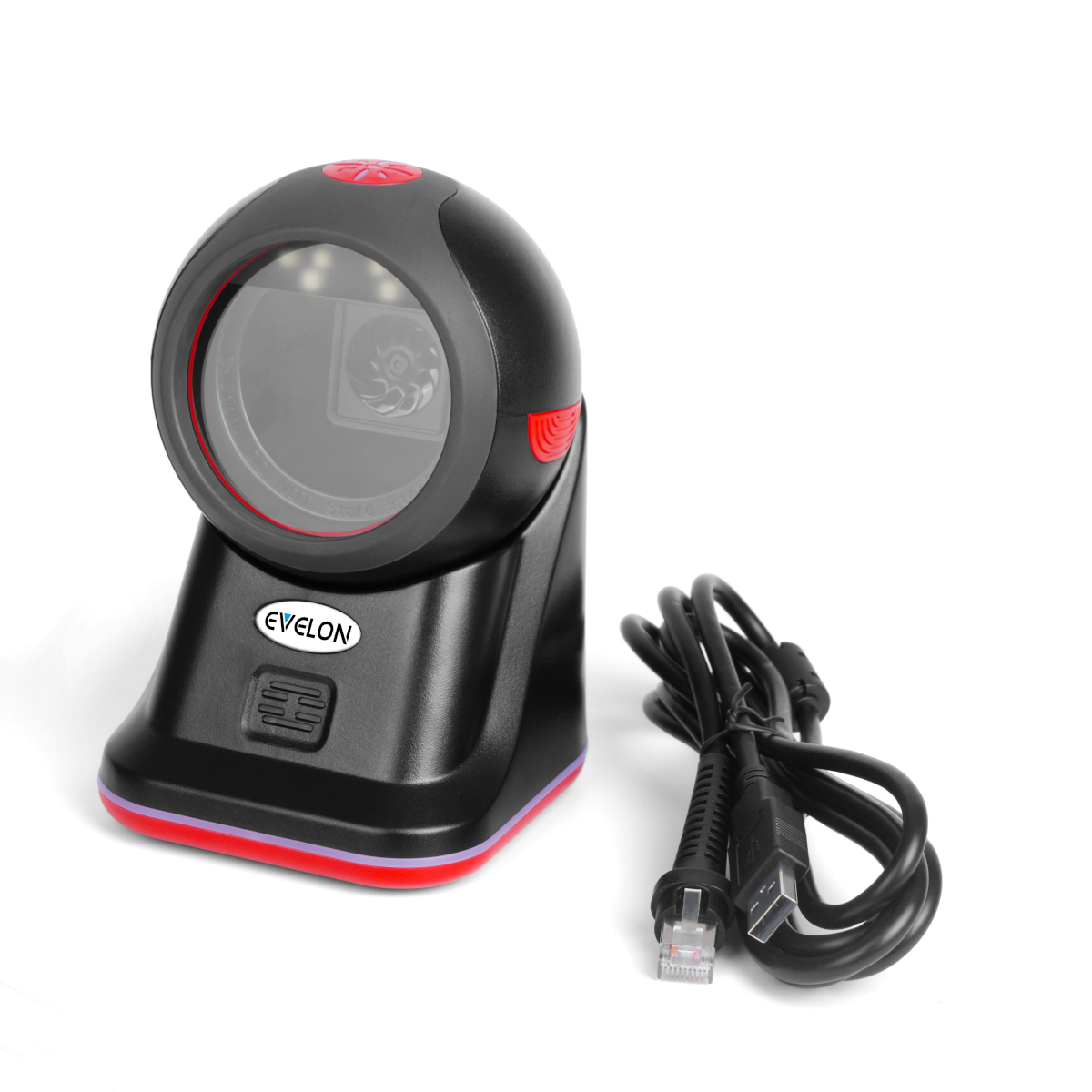
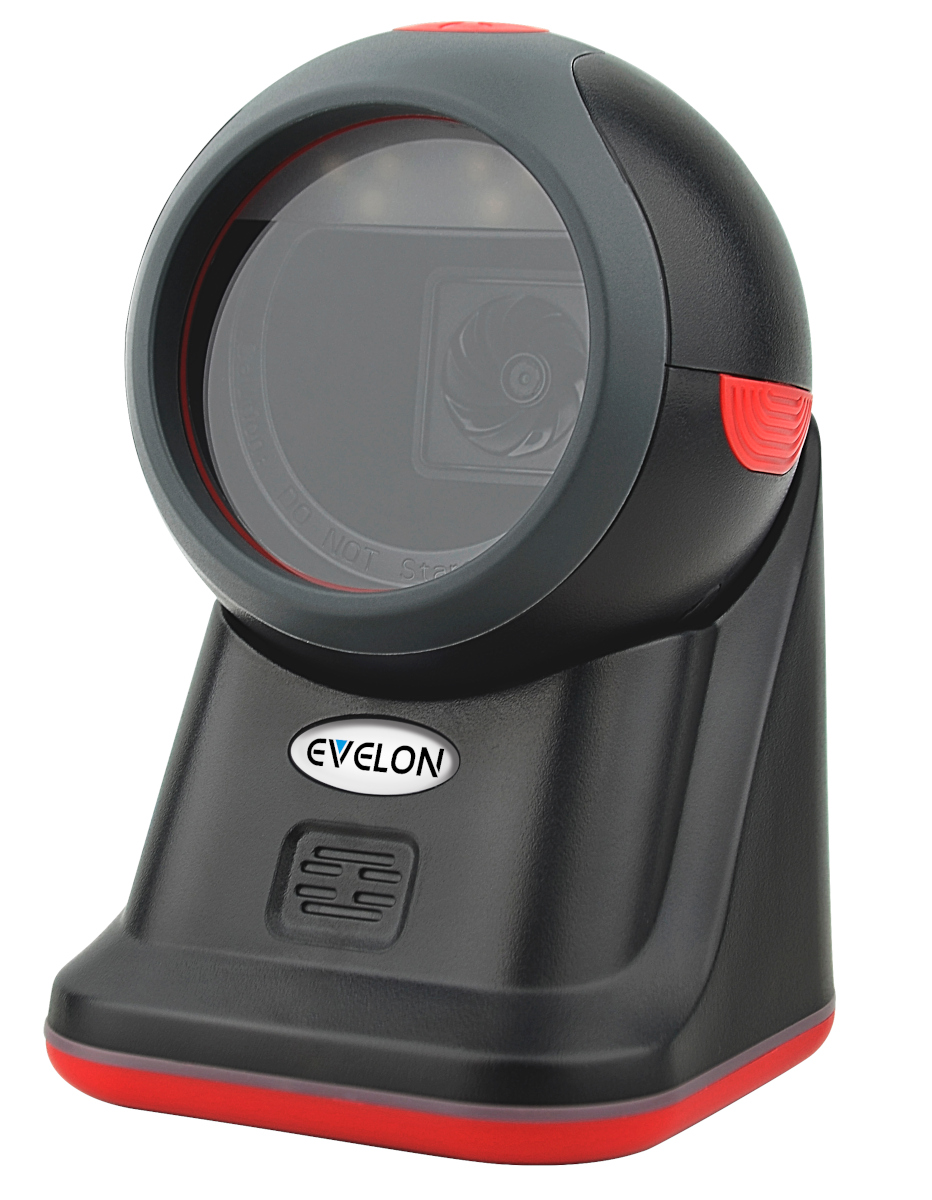
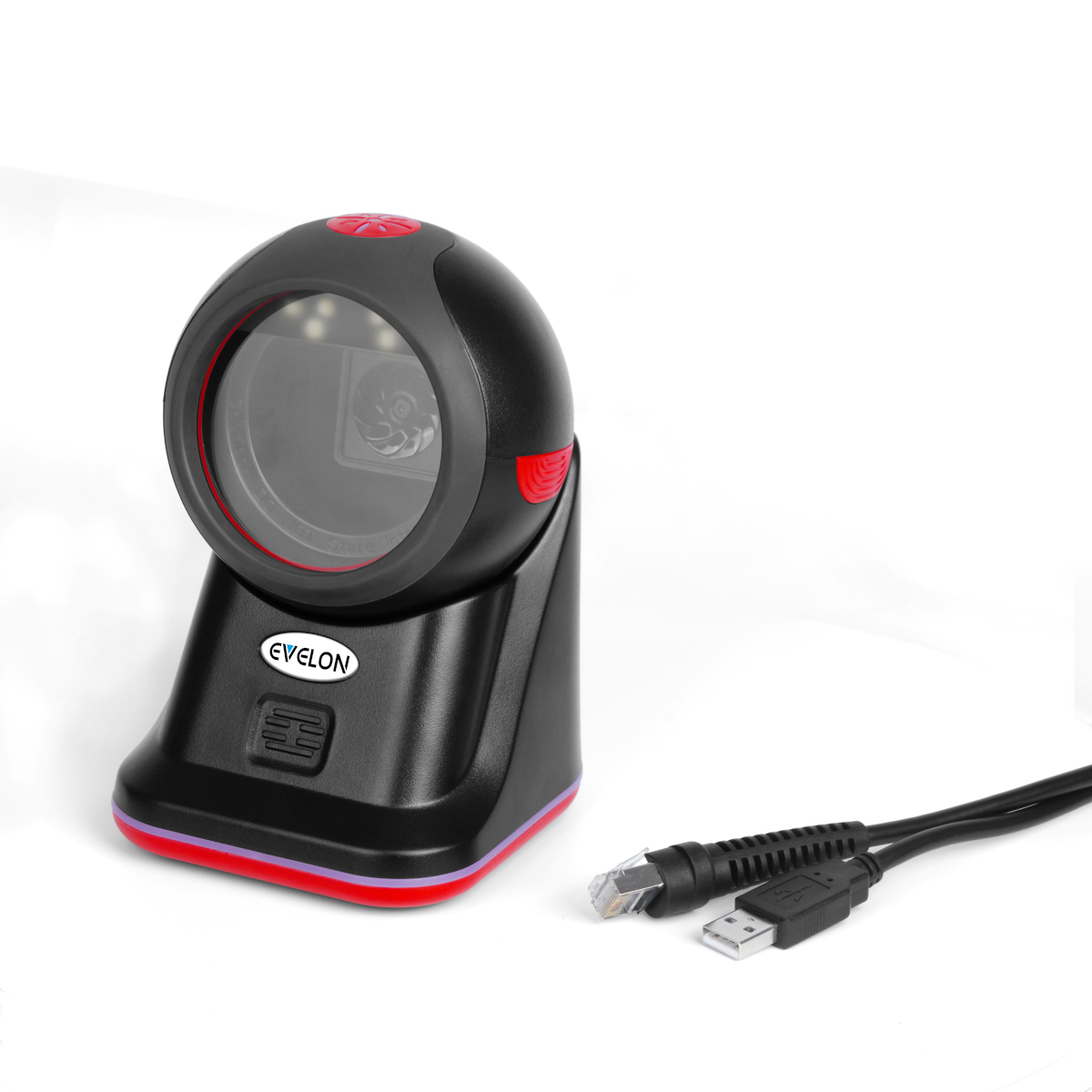
Galaxy S360 Scanner

High-performance barcode scanner for retail and inventory

Specifications

Light Source
Red LED
Scan Mode
Automatic Induction
Image Sensor
640×480 pixels
Min. Resolution
Code 39, 4mil
Scan Range
10–160 mm (EAN 13, 13mil)
Motion Tolerance
4 m/s
Recognition Angle
Turn ±360°, Elevation ±65°, Declination ±65°
Interfaces
USB (Driver-free), RS232, USB-COM
1D Codes
Code 128, EAN-13, UPC, ISBN, Code 39, Codabar, GS1
2D Codes
PDF417, QR Code, DataMatrix, Hanxin, Aztec
Operating Temp.
0 – 50°C
Storage Temp.
-40 – 70°C
Humidity
0%–95% (non-condensing)
Shock Resistance
1.5 m drop to concrete
Dimensions
96×108×150 mm
Weight
294.4g
Cable Length
2M
Power
DC5V±5%, 190mA (standby), 240mA (working)

Key Features

  • Supports scanning of various 1D and 2D barcodes
  • Compatible with WeChat/Alipay payment codes
  • Plug and play; no driver needed
  • Fast setup and usage
  • Professional decoding chip
  • Durable wiring and power indicator

Setup Instructions

  1. Connect the scanner to your device using USB cable
  2. Power on your computer or POS system
  3. The scanner will be automatically detected
  4. Install drivers if prompted by your system
  5. Open your scanning application or POS software
  6. Test scanning functionality with a barcode
  7. Configure scan settings as needed

Applications

Retail POS

Perfect for point-of-sale systems with fast and accurate barcode scanning.

Inventory Management

Streamline stock tracking and management with reliable 2D scanning.

Warehouse Operations

Enhance warehouse efficiency with omnidirectional scanning capability.

Healthcare

Secure patient identification and medication tracking in healthcare facilities.